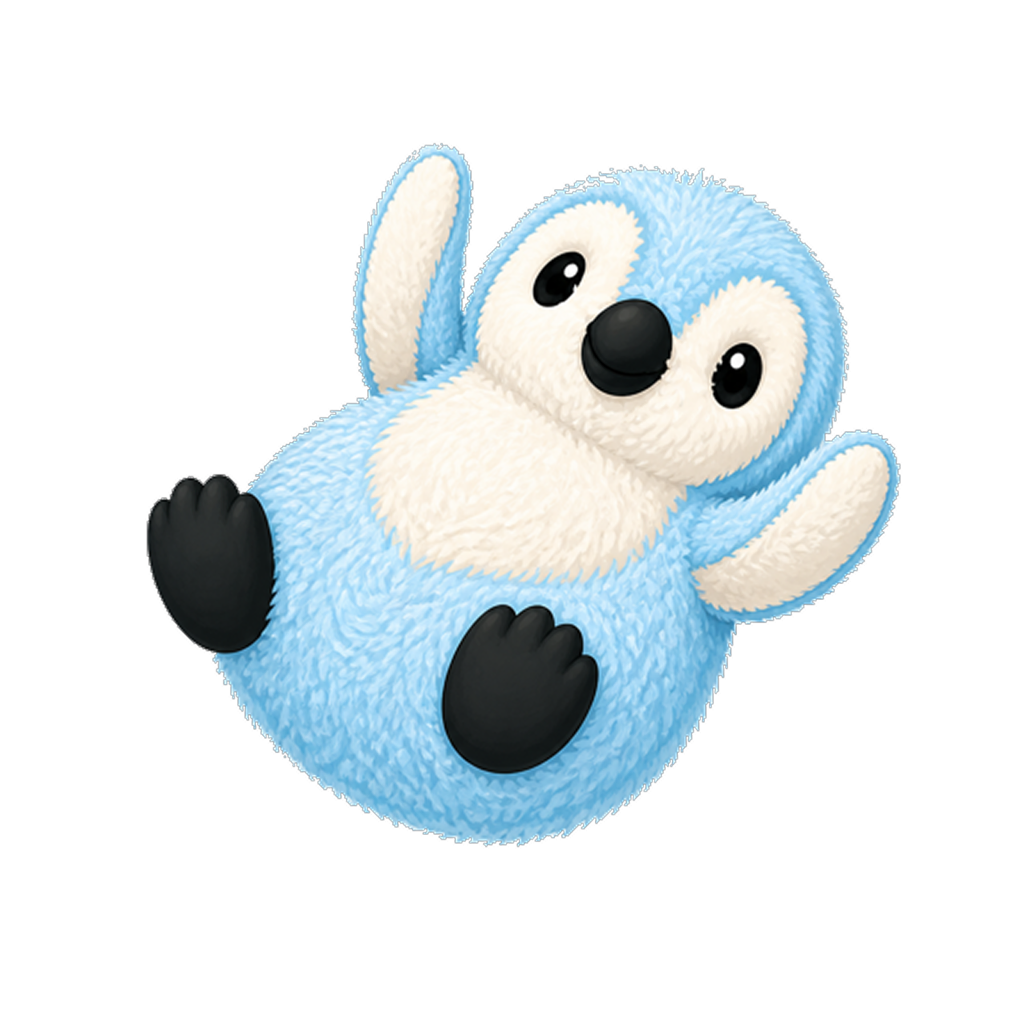
 pixora
A sticker-making app for iPhone
Small sticker.
Big personality.
Your dog. Your doodle. That very specific inside joke. Make it a sticker with Pixora.
Meet your new sticker appCreate on iPhone. Send in Messages.
- 1Print
- 2Cut
- 3Peel
- 4Keep
Fresh from the printer.

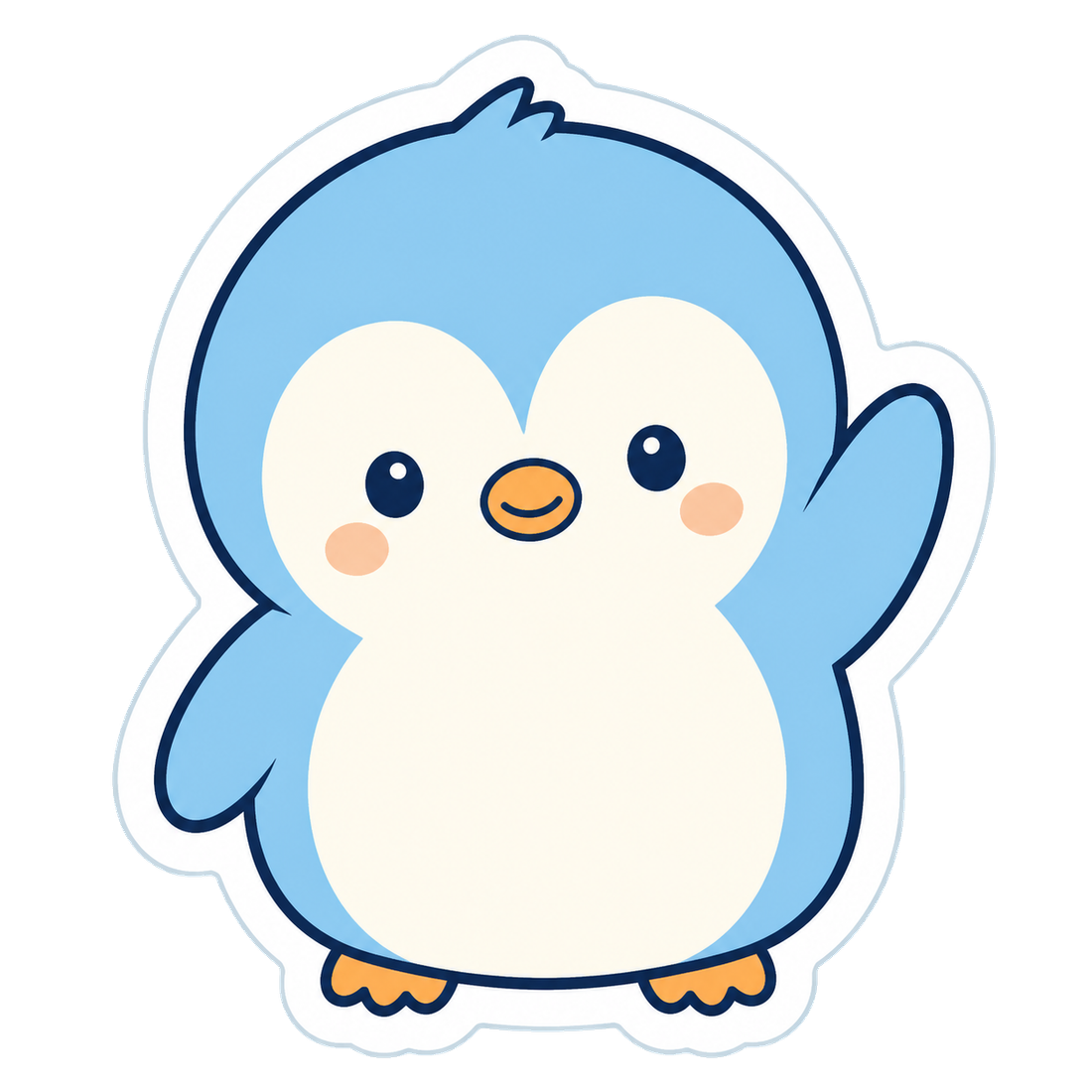
01 / The collection
Small stickers.
Very different personalities.
A few favorites from the app.
There’s more than one way to say hello.
02 / Make it your own
Same little friend.
A whole new look.
Start with a photo, a sketch, or a few words. Pixora uses AI to turn your idea into a sticker, in the style you choose.
Pick an expression. Add a costume. Save the ones you love to your sticker collection.
Explore the app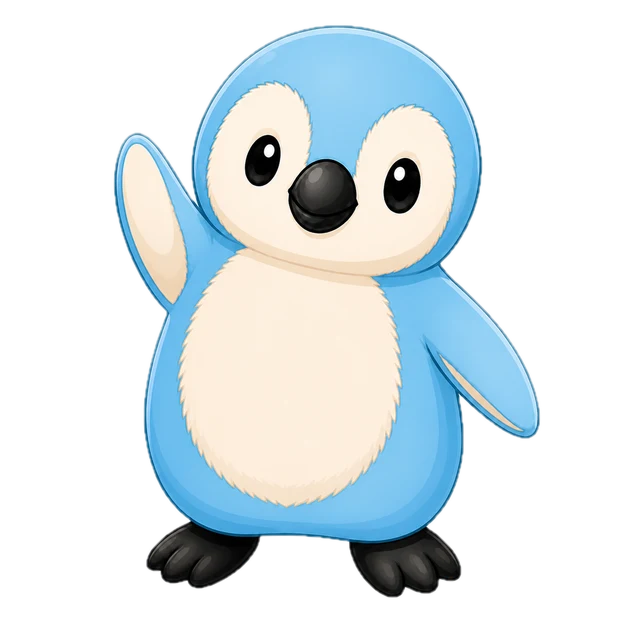 Style preview
Clean lines. A familiar face.
03 / Good to know
Before you
stick around.
What can I make a sticker from?
Use a photo, draw a sketch, or describe an idea. Choose a look and add details like a character or expression in the app.
Can I use my stickers in Messages?
Yes. Your Pixora sticker collection is available in the Pixora iMessage extension, so you can send stickers from your conversations.
Does Pixora use AI?
Yes. AI creates new sticker artwork from your input. You can also use the camera to make a regular photo sticker. Read our privacy policy for details about how your information is handled.
Where can I download it?
Check the Pixora download page for App Store availability. For help with the app, purchases, or your account, visit support.